How to Change Your IP Address (5 Methods, From Easiest to Most Technical)
Your IP address is the return address that every website, app, and online service uses to find you. It also reveals more than most people realize: your approximate city, your internet service provider, sometimes your employer or university, and — combined with cookies — your browsing history across many sites and many sessions.
There are several ways to change it. Some are instant and reversible. Some require fiddling with a router. Pick the one that matches what you actually need.
Method 1: Use a VPN (easiest, fastest, most flexible)
A VPN routes all your internet traffic through a server in another location, and that server's IP address becomes what every website sees. The change takes about three seconds and you can switch countries as often as you want.
How:
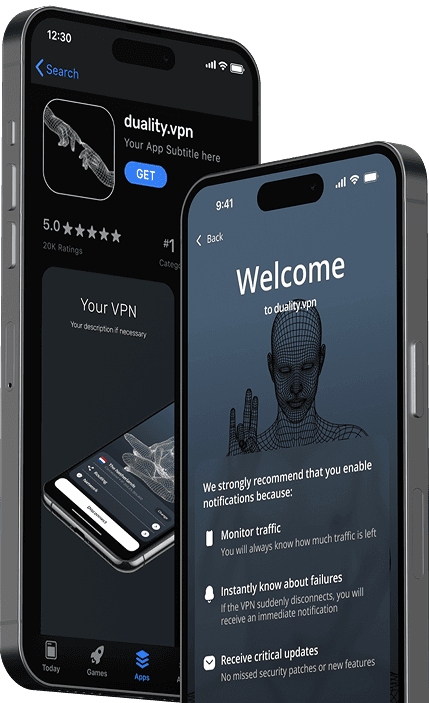
- Install a VPN app (we are biased — try duality.vpn).
- Open the app and pick an exit country — see the server locations page for what is available.
- Tap connect.
- Verify the change with a free IP checker.
Pros: instant, reversible, encrypted, works on Wi-Fi and mobile data, can pretend to be in any country with a server.
Cons: small speed cost from the encryption (usually 5–15%, sometimes invisible). A free VPN may have bandwidth limits.
Method 2: Restart your home router
If you only need a different IP — not specifically a foreign one — your home internet provider will usually hand you a new one when you reconnect.
How:
- Unplug your modem/router.
- Wait 5–10 minutes (some providers cache the lease for several minutes; the longer you wait, the more likely you get a different IP).
- Plug it back in.
- Check the new IP with an IP checker.
Pros: free, no software to install, gives you a real IP from your real ISP.
Cons: you might get the same IP back. The new one is still in your same city, so geo-targeted sites still know roughly where you are. Also: your phones, smart TV, and game consoles all lose their connection when you do this.
Method 3: Switch from Wi-Fi to mobile data (or vice versa)
The fastest "change" is to use a different network entirely. Tethering through your phone gives you the IP of your mobile carrier instead of your home ISP.
How:
- On your phone, turn on "Personal Hotspot" (iPhone) or "Mobile Hotspot" (Android).
- Connect your laptop to the phone's hotspot.
- Your laptop's apparent IP is now your mobile carrier's, not your home internet's.
Pros: instant, no software, useful for testing whether a site is blocking your home IP specifically.
Cons: uses your mobile data plan. Mobile-carrier IPs change frequently, which can break some site logins until they re-verify you.
Method 4: Connect to a different Wi-Fi network
If you go to a coffee shop, library, or someone else's home, your IP becomes the IP of their network. This is useful for one-off changes when you do not want to install anything.
Pair this with Method 3's logic: if you also turn on a VPN, even the coffee-shop owner cannot tell which sites you are visiting (see our guide on staying safe on public Wi-Fi).
Method 5: Change to a static IP (advanced — and rarely useful)
If you have a business internet plan, your provider may sell you a static IP that never changes. This is the opposite of what most people on this page are looking for. Static IPs are useful for hosting servers, but they make you easier to track, not harder. Skip this method unless you specifically need it.
How to confirm the change actually worked
After any of the above:
- Open an IP checker page in a fresh browser window (or incognito tab — cached cookies can confuse the test).
- Verify the IP address, country, and ISP shown match what you expect.
- Run a WebRTC leak test — modern browsers can leak your real IP through WebRTC even when a VPN is connected. If the leak test shows your old address, the change is incomplete.
Frequently asked questions
Will changing my IP make me anonymous?
No. Your IP is one identifier. Cookies, browser fingerprinting, your account logins, and tracking pixels are all separate signals that follow you around. A VPN paired with a privacy-focused browser closes more of those gaps, but no single tool makes you anonymous.
Is changing my IP address legal?
Yes, in almost every country. Using a VPN to access region-restricted content may violate the terms of service of the streaming platform you are using, but that is a contract issue, not a criminal one. A small number of countries restrict or ban VPN use — check local law if you are unsure.
Why do some sites still know my real location after I change my IP?
Three common reasons: (1) browser geolocation API leaks your GPS or Wi-Fi-based location separately from your IP; (2) you are logged in to an account that already has your real address; (3) your phone's Bluetooth/Wi-Fi scanning is reporting nearby beacons to a location service. Disable browser location, log out before testing, and switch off location services to verify.